How to Audit Your SaaS Tech Stack for AI Readiness
- Jason B. Hart
- Data Engineering
- June 6, 2026
- Updated June 17, 2026
Table of Contents
How do I audit my SaaS tech stack for AI readiness?
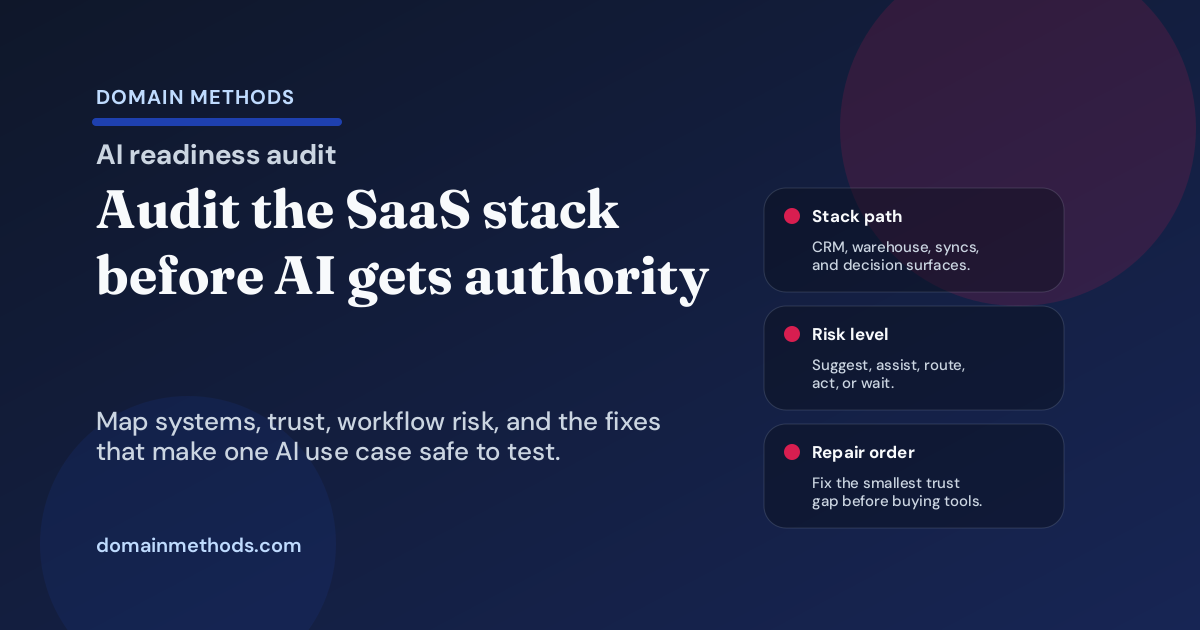
Audit your SaaS tech stack for AI readiness by choosing one real workflow, mapping the systems and data paths behind it, checking source data hygiene, testing warehouse and metric trust, scoring workflow risk, confirming exception ownership, and sequencing repairs before you buy or deploy another AI tool.
That answer is less exciting than a vendor demo. It is also the answer that prevents expensive theater.
Most SaaS teams asking this question already have plenty of tools. They have a CRM, marketing automation platform, product analytics, billing system, support platform, data warehouse, dashboards, spreadsheets, maybe reverse ETL, and now a growing pile of AI features attached to all of them.
The problem is rarely that the company has no technology.
The problem is that nobody has proved whether the technology can support an AI-powered workflow that the business should actually trust.
A useful AI readiness audit is not a generic inventory of software licenses. It is a pressure test of the operating path from source data to decision. If the workflow depends on bad CRM fields, unclear account joins, contested revenue definitions, stale syncs, undocumented transformations, or a receiving team that does not know what to do with the output, the stack is not ready for AI with teeth.
It may still be ready for a narrow suggestion, a human-reviewed assistant, or a contained pilot. But that is a different answer than “we are AI-ready.”
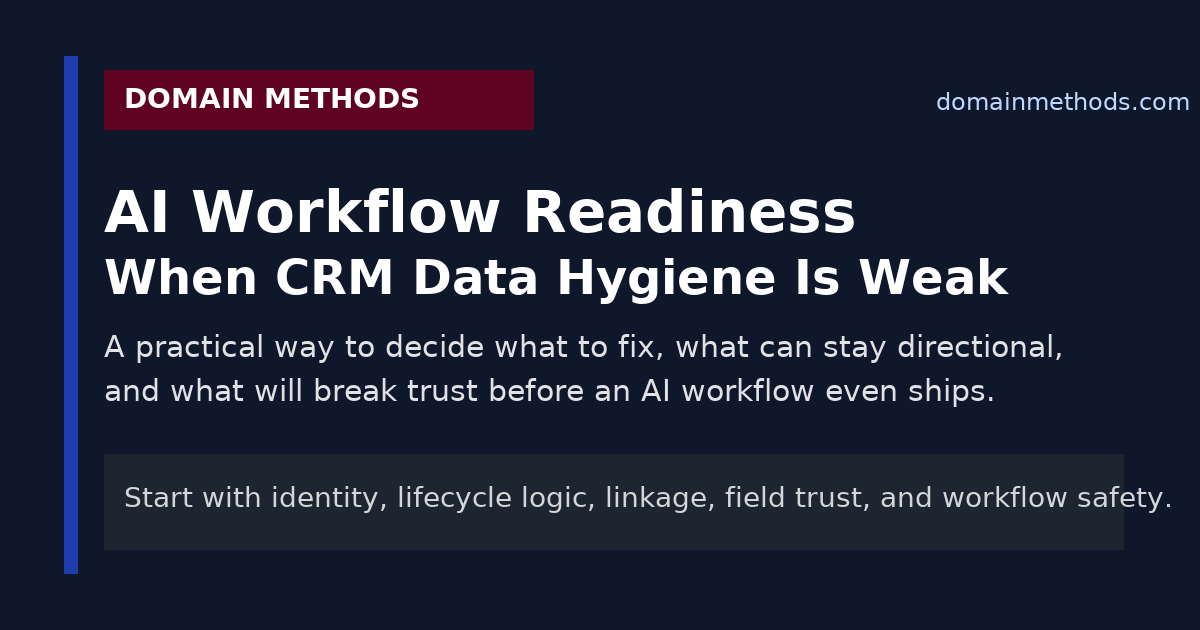
Use this alongside AI Readiness Through Data Hygiene when the workflow question depends on CRM cleanliness, source trust, and whether the team should suggest, assist, route, or automate.
Start with one AI workflow, not the whole stack
The fastest way to make the audit useless is to ask, “Is our tech stack ready for AI?” in the abstract.
Ask a narrower question:
- Can we use AI to prioritize inbound trials for sales follow-up?
- Can we score churn risk for customer success?
- Can we summarize account health before QBRs?
- Can we route support issues by severity and customer value?
- Can we recommend expansion plays from product usage and firmographic data?
Each of those workflows touches a different part of the stack. A company can be ready for one and not ready for another.
For example, an internal account-research assistant may tolerate partial firmographic data if the output is clearly marked as directional and reviewed by a human. An automated lead-routing workflow has a higher bar because a bad score or stale owner can change who gets contacted, how fast, and by whom. If you need a narrower first gate before this broader audit, use the manual, rules-based, or AI workflow decision tree to pick the workflow authority level first.
So the first audit rule is simple: pick one workflow with one decision owner, one downstream action, and one visible consequence if the output is wrong.
Then audit the stack behind that workflow.
Step 1: Map the systems that feed or receive the AI output
For most mid-size SaaS teams, the map includes some version of:
| Layer | Systems to inspect | Readiness question |
|---|---|---|
| Customer and revenue source systems | CRM, billing, subscription management, support, product analytics, marketing automation | Are the records complete, current, deduplicated, and joined well enough for this use case? |
| Data movement | Native integrations, ETL/ELT, reverse ETL, iPaaS, workflow automation | Do the right fields move reliably and on time? |
| Warehouse and modeling | Cloud warehouse, dbt or SQL models, semantic layer, metric definitions | Can the business defend the transformations and definitions behind the output? |
| Decision surface | CRM fields, Slack alerts, dashboards, support queues, sales tasks, customer success playbooks | Does the output land where people already work? |
| Governance and operations | Owners, documentation, tests, QA checks, exception handling, rollback path | Who notices and fixes the workflow when something goes wrong? |
Do not stop at naming the tools.
Write down the actual path the data follows. If a churn-risk workflow starts in product events, joins to accounts in the warehouse, uses contract status from billing, lands in a customer success workspace, and triggers a manager review, every one of those handoffs belongs in the audit.
AI readiness fails in the handoffs more often than in the model.
Step 2: Check CRM and source data hygiene
For SaaS teams, the CRM is usually the first place AI readiness breaks.
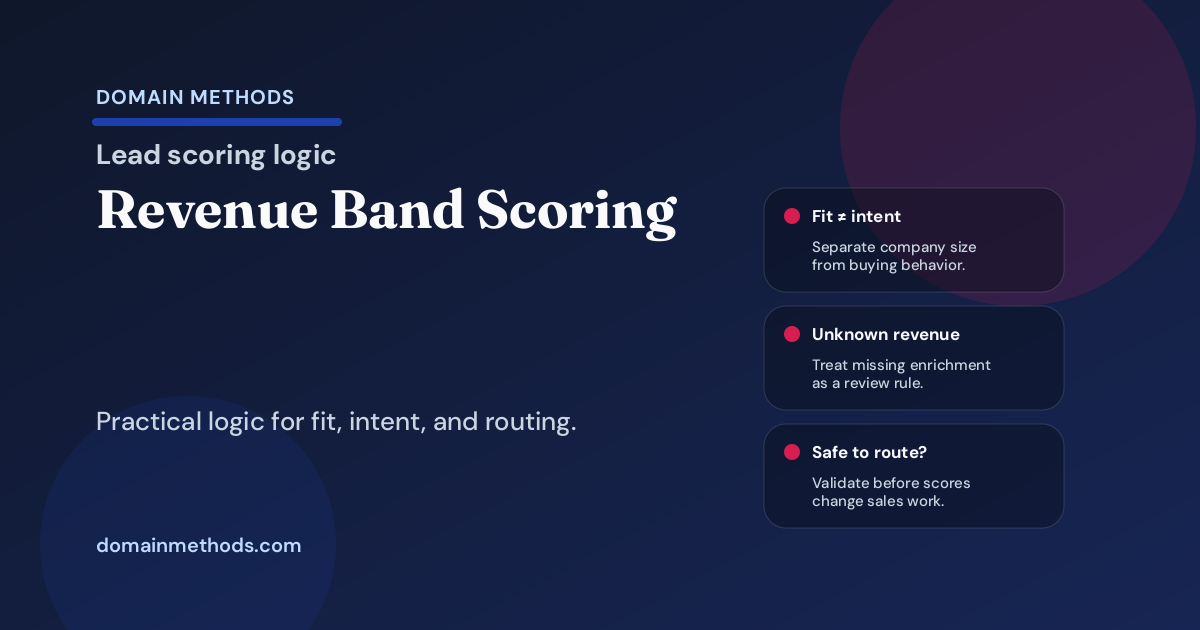
A CRM does not have to be perfect, but it does need to be honest enough for the authority level of the workflow. If the AI output will influence routing, prioritization, forecasting, account health, or customer communication, the audit should check:
- duplicate leads, contacts, accounts, and opportunities
- lead-to-account and contact-to-account matching quality
- stale lifecycle stages and opportunity stages
- missing or inconsistent owner fields
- required field coverage for the workflow
- old enrichment fields nobody trusts anymore
- conflicting account, opportunity, and subscription identifiers
- timestamp reliability for stage changes, handoffs, and activity history
- fields that exist because a past project needed them but no one owns them now
The key question is not “is the CRM clean?”
The better question is:
What specific CRM weakness would make this AI workflow wrong in a way the business would feel?
For lead scoring, duplicate accounts and bad lifecycle stages might be fatal. For account research, they may be tolerable with caveats. For customer messaging, stale owner fields or wrong subscription status can create real damage. The CRM-focused AI workflow readiness checklist is the deeper pass when CRM hygiene is the obvious weak spot.
That distinction matters.
Step 3: Inspect integration reliability and data freshness
A SaaS stack can look integrated on a diagram and still be unreliable in practice.
The audit should answer:
- Which fields sync from source systems into the warehouse?
- Which fields sync back into the CRM or workflow tool?
- How often do they update?
- What happens when a sync fails?
- Are there known null spikes, schema changes, or latency problems?
- Are important fields overwritten by multiple systems?
- Does anyone reconcile the destination against the source?
This is especially important when AI output will be used operationally. A model that uses yesterday’s product usage, last week’s lifecycle stage, or an account owner from a stale sync can look sophisticated while making obviously bad decisions.
If the business cannot explain data freshness and sync failure behavior, the workflow should usually start as a suggestion or assisted review, not an automated action.
Step 4: Test warehouse, model, and metric trust
Many AI-readiness conversations focus on source-system hygiene and skip the modeling layer. That is a mistake.
For SaaS teams, the warehouse is often where the business meaning gets created:
- product usage becomes activation
- opportunities become pipeline
- subscriptions become ARR
- campaigns become attribution
- customer records become account health
- support tickets become churn signals
If those definitions are contested, undocumented, or only understood by one person, the AI workflow inherits the mess.
Audit the warehouse and transformation layer for:
- named owners for critical models
- tests on important joins, uniqueness, freshness, and accepted values
- documentation for business definitions and caveats
- reconciliation between CRM, billing, finance, and warehouse metrics
- lineage from source fields to final output
- known exceptions that leadership tends to forget
- whether sales, marketing, finance, RevOps, and data agree on the core definitions
If the workflow depends on a metric the company already argues about, the AI output will not settle the argument. It will just put a new interface on top of it. When the main risk is field ownership rather than model logic, the CRM field ownership checklist gives the team a more specific contract before warehouse data starts syncing back into Salesforce or HubSpot.
Step 5: Score each workflow by authority level
Not every AI workflow needs the same readiness bar.
Use a simple authority ladder:
| Authority level | What AI is allowed to do | Required readiness level |
|---|---|---|
| Suggest | Provide ideas, summaries, or directional context | Inputs can have caveats if users understand them |
| Assist | Draft or recommend, with human review before action | Source path and caveats must be visible to the reviewer |
| Route | Change queues, owners, priorities, or next steps | Data quality, sync reliability, and exception handling must be strong |
| Act | Trigger customer-facing, financial, operational, or high-stakes action | Requires tested data paths, clear ownership, monitoring, rollback, and governance |
| Wait | Do nothing yet | Use when the trust layer is too weak for the consequence of being wrong |
This is where the audit becomes useful for leaders.
Instead of saying “yes” or “no” to AI broadly, you can say:
- account research summaries can start as human-reviewed assistance
- lead routing should wait until duplicate-account handling and lifecycle ownership are fixed
- churn-risk prioritization can pilot with manager review if the product usage model gets freshness checks
- automated customer messaging should not launch until subscription status, owner logic, and exception handling are stronger
That is the difference between readiness and theater.
Step 6: Confirm ownership, monitoring, and exception handling
AI workflows do not fail only because the input was wrong. They fail because nobody owns what happens when the input is wrong.
For each workflow, ask:
- Who owns the source field if it is missing or stale?
- Who owns the warehouse model if a join breaks?
- Who owns the business rule if teams disagree?
- Who reviews false positives and false negatives?
- Who can override the output?
- Who monitors drift, sync failures, null spikes, or bad destinations?
- What is the rollback path if the workflow creates damage?
If the answer is “the data team will probably handle it,” the stack is not ready for serious automation.
The owner needs to match the failure mode. RevOps may own CRM field process. Analytics engineering may own the model. Marketing or sales leadership may own the operating decision. Customer success may own the playbook. Finance may own revenue definitions.
AI readiness is partly technical. It is also an ownership design problem.
Step 7: Sequence the smallest repairs that unlock one useful workflow
A good audit should not end with a giant modernization wish list.
It should separate:
- what can safely ship now
- what can ship with human review and clear caveats
- what needs a small foundation sprint first
- what should wait because the risk is too high
For a SaaS tech stack, the highest-leverage repairs are often boring:
- dedupe the account and contact records behind one workflow
- name owners for the five fields the AI output depends on
- add freshness and uniqueness checks to the models that feed the workflow
- reconcile one revenue or lifecycle definition across CRM, warehouse, and reporting
- create an exception queue for records the workflow should not handle automatically
- move the output into the CRM or operating tool where the receiving team already works
- document the caveats in plain language so managers know when not to trust the output
That is not as glamorous as buying another AI platform. It is usually what makes the platform useful.
A practical SaaS AI readiness audit checklist
Use this as a fast first pass:
| Area | Ready if… | Not ready if… |
|---|---|---|
| Workflow scope | One decision, owner, action, and consequence are named | The mandate is still “use AI somewhere” |
| CRM hygiene | Required fields, owners, lifecycle stages, and account matching are trustworthy enough for the workflow | Duplicate records, stale stages, or unowned fields would change the output materially |
| Source reliability | Important source fields are current, traceable, and monitored | Sync failures, schema drift, or freshness issues are discovered by accident |
| Warehouse trust | Models have tests, documentation, lineage, and agreed definitions | Core metrics are contested or live in undocumented SQL and spreadsheets |
| Destination fit | The output lands where the receiving team already works | The output lives in a dashboard, notebook, or side channel nobody checks |
| Risk control | The authority level matches the cost of being wrong | AI is allowed to route or act before trust and review are proven |
| Ownership | Source, model, workflow, and exception owners are named | Everyone assumes someone else will fix bad outputs |
| Repair plan | The next fixes are narrow enough to complete soon | The audit turns into a vague data-platform transformation plan |
If several rows land in the right column, the answer is not necessarily “never use AI.”
The answer is usually: lower the authority level, narrow the use case, and fix the trust breaks first.
What to do after the audit
If the stack looks ready for a narrow workflow, run a controlled pilot with human review, explicit caveats, and a feedback loop. Do not skip the boring controls just because the first demo looked good.
If the stack is close but fragile, fix the smallest set of trust breaks before launch. That might mean CRM hygiene, dbt tests, field ownership, data freshness monitoring, or workflow exception handling.
If the stack is not ready, say so plainly. That is not a failure. It is the audit doing its job.
The companies that get value from AI are not always the ones with the newest tools. They are the ones that can answer the operating questions beneath the tools:
- What data feeds the workflow?
- Who trusts it?
- Who owns it?
- Where does the output land?
- What happens when it is wrong?
Until those questions have clear answers, the safest AI strategy is to stop pretending the tool choice is the hard part.
If you need an outside read on that decision, the AI-Ready Data Diagnostic is built for exactly this: inspect the SaaS tech stack, classify what can suggest, assist, route, or act, and identify the smallest repairs that make a useful AI workflow trustworthy.
Download the AI Readiness Scorecard Worksheet
A lightweight worksheet for scoring data quality, integration reliability, metric definitions, process documentation, and team capacity before investing in AI.
DownloadIf leadership wants AI but the stack may not be ready
AI-Ready Data Diagnostic
Use the audit when you need a practical yes, no, or not-yet answer on whether your CRM, warehouse, definitions, ownership, and workflow paths can support AI.
See the AI-Ready Data DiagnosticIf the audit exposes deeper trust issues
Data Foundation
When the blocker is source reliability, brittle warehouse logic, missing tests, or unclear ownership, fix the foundation before adding automation pressure.
See Data FoundationSee It in Action
Common questions about SaaS tech stack AI readiness
How do I audit my SaaS tech stack for AI readiness?
What systems should be included in a SaaS AI readiness audit?
What usually makes a SaaS tech stack not ready for AI?
Do we need a perfect data stack before using AI?
Should the audit focus on tools or workflows?

About the author
Jason B. Hart
Founder & Principal Consultant
Helps mid-size SaaS companies turn messy marketing and revenue data into decisions leaders trust.